Repairing The Kingdom

An RPG game where player plays as an craftman to collect materials, repair buildings, craft irems and explore new areas.
This was my third project at Abertay University. I was one of the three programmers who worked on the narrative fuctions and game process based on different events
Contribution
Dialogue system
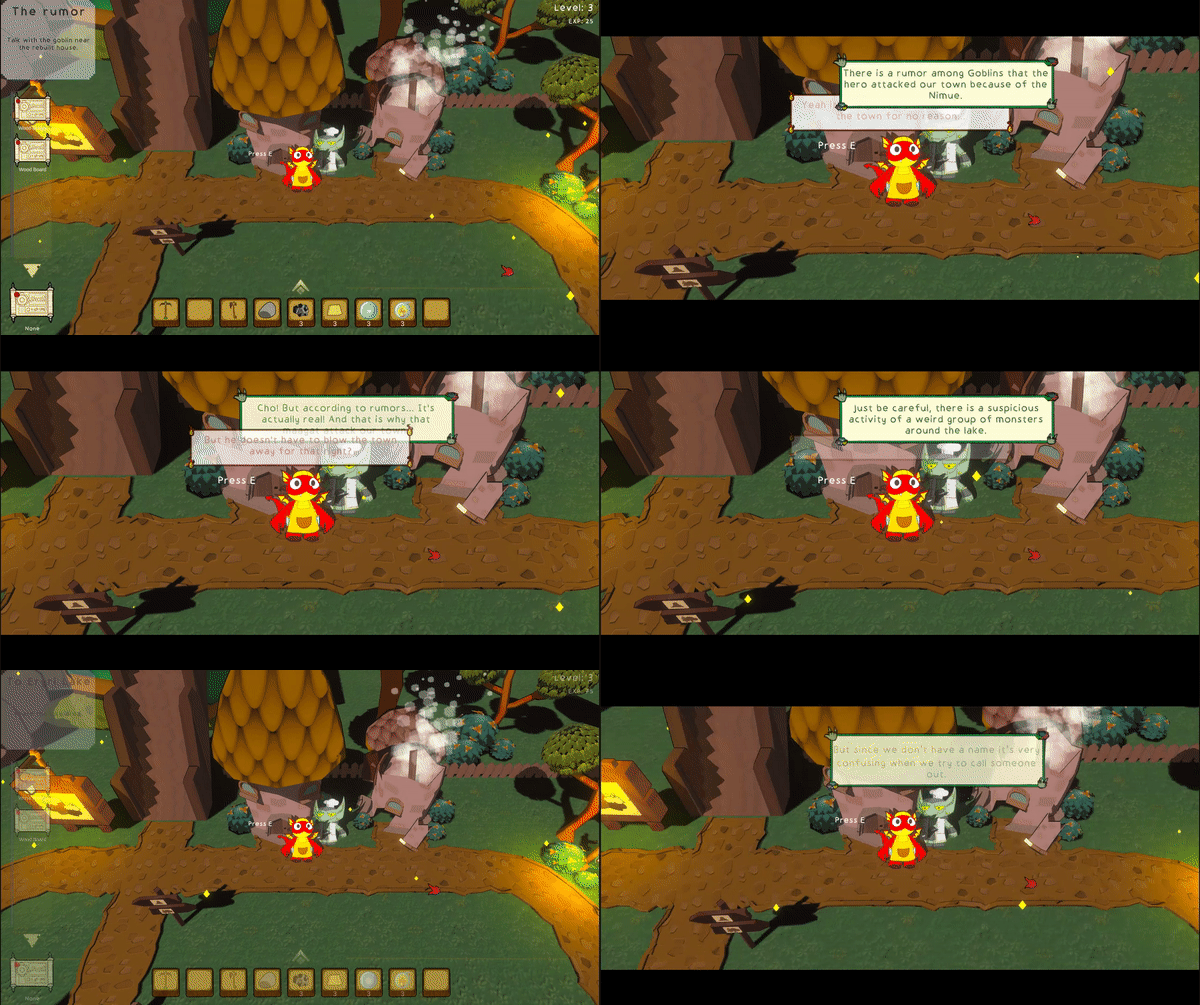

Each dialog contains an index value for the current dialog and an index value for the next dialog. If a dialog is finished and there are no special conditions, the next dialog will be found according to the index value, and the next time the player talks to the character, the new dialog will be triggered. It is also possible to have a conversation repeat itself, by having the character repeat Dialogue 3 after it has finished playing, and if there are special conditions, such as a quest being triggered and completed, then the character's dialog value will be changed to a specific conversation, and the next conversation can be specified at any time after this one has been completed. This structure makes it very easy to change the content and conditions of dialogs, and when adding a new dialog it is only necessary to add a new index.
Tavern System
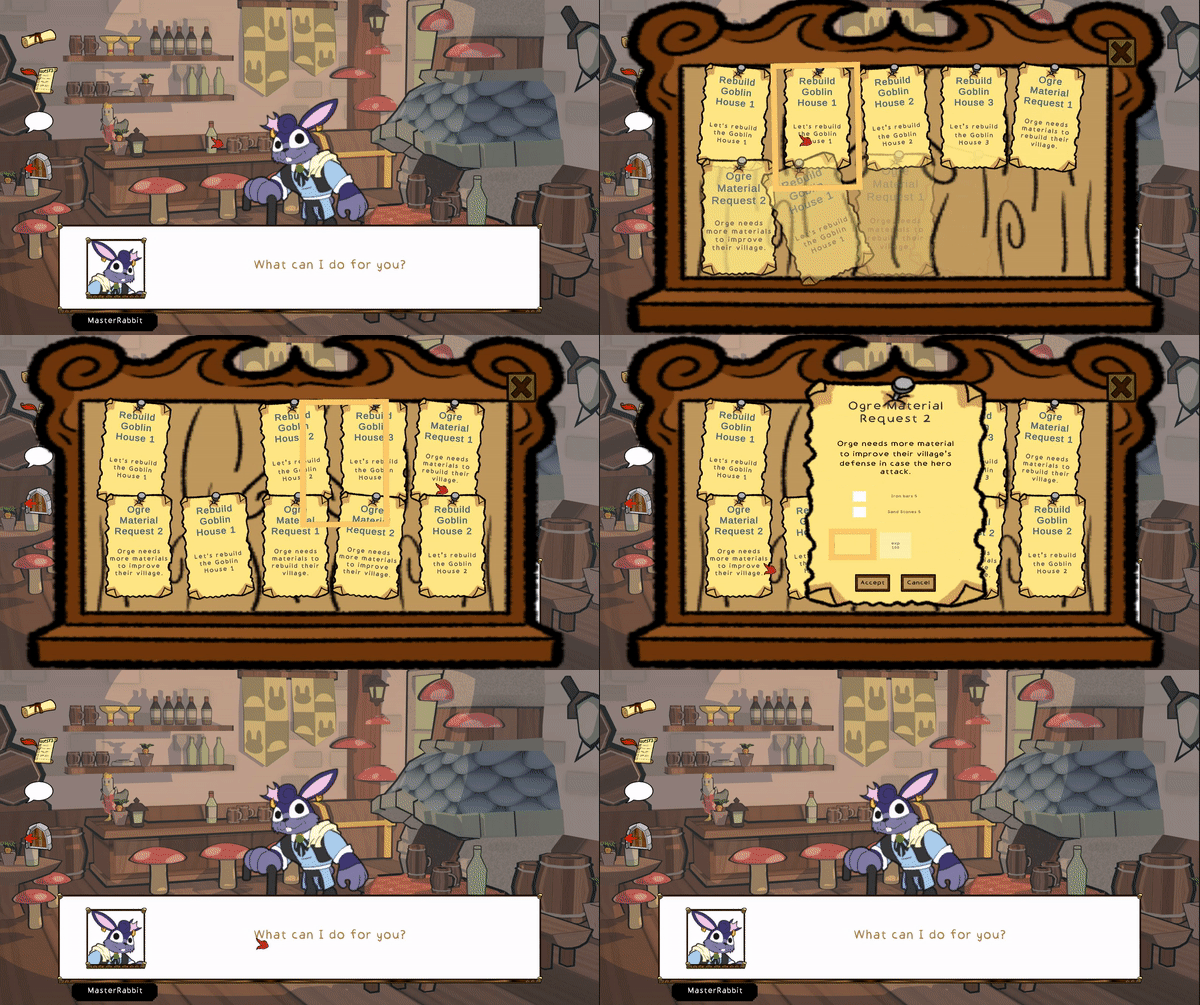
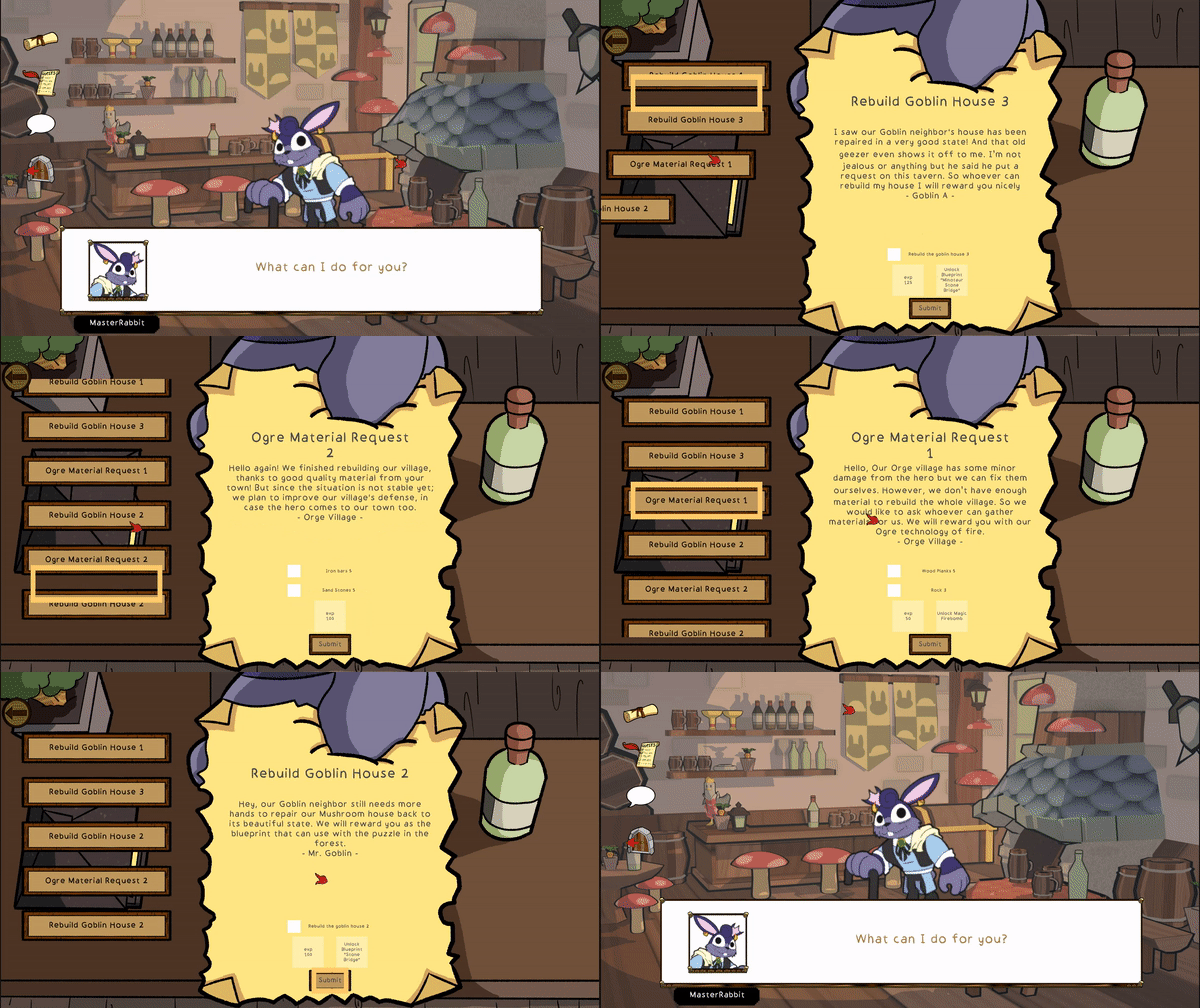

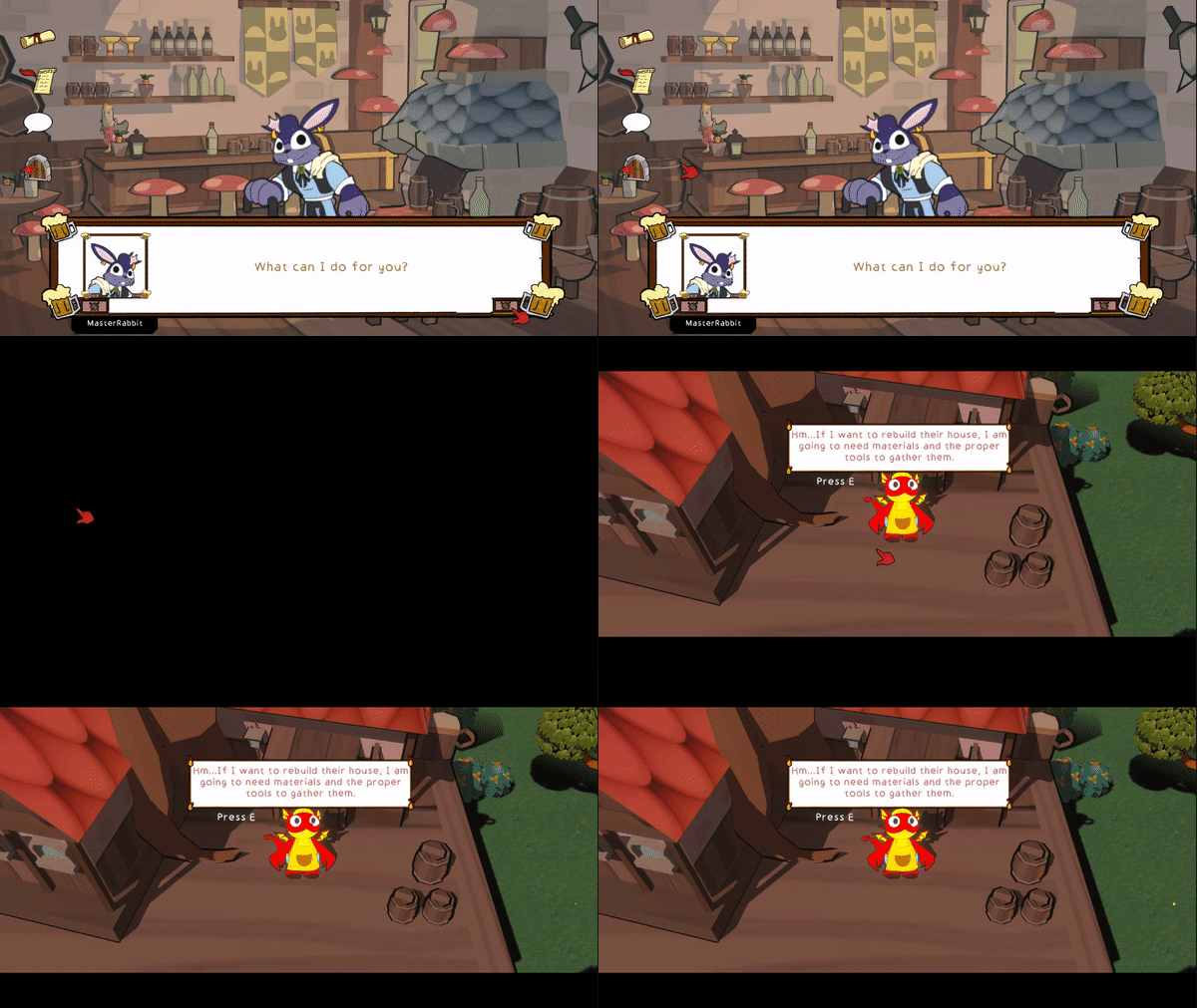
The dialog system in a tavern is a bit different from the one outside. When the player enters the tavern, a dialog box and dialog content will be automatically generated to show the effect of NPCs greeting the character, and the style of the dialog box is different from that of the outside, so some modifications have been made to reuse the dialog system to adapt its logic to the needs of the tavern. In addition, in the function of handing over quests, it is also necessary to realize the function of reading and submitting quests and other updates, and each quest needs to detect the conditions of completion and give the player rewards, which will be discussed in detail in the event system later.
The most complex part of implementing the tavern functionality is the UI logic. Each different interface is a different UI logic. In the Main Interface, when the player moves the mouse over an icon and clicks on it, it needs to get the information about the player's click and open the corresponding function, and then use another UI logic. In the Accept Quest Interface, when the player clicks on a specific quest, the quest details will pop up, and after accepting the quest, the corresponding space will be empty, and if there are more than ten quests that can be accepted, they will be added in real time. Although in reality there are not more than ten quests to accept. In the submit quest interface, once the player moves the mouse over the corresponding quest, the quest detail interface will pop up immediately, and the player can drag the quest list on the left side to select the quest. And in the dialog interface, no matter what the player does, he can only advance the dialog until it ends.
Event System

A quest as a unit, which contains multiple events, and contains within the event the effects that the event produces. A quest is initiated by something and reacts to all other things related to that quest when the corresponding event is triggered. A quest is issued with a corresponding event, and the Listener listens to the corresponding event and reacts differently to different Listener, for example, if NPC1 issues a Quest1 End event, then the player gets the quest reward, then triggers a dialog, the next dialog of NPC1 changes, and issues a Quest2 Start event, and then then trigger the corresponding event handler function to react differently.
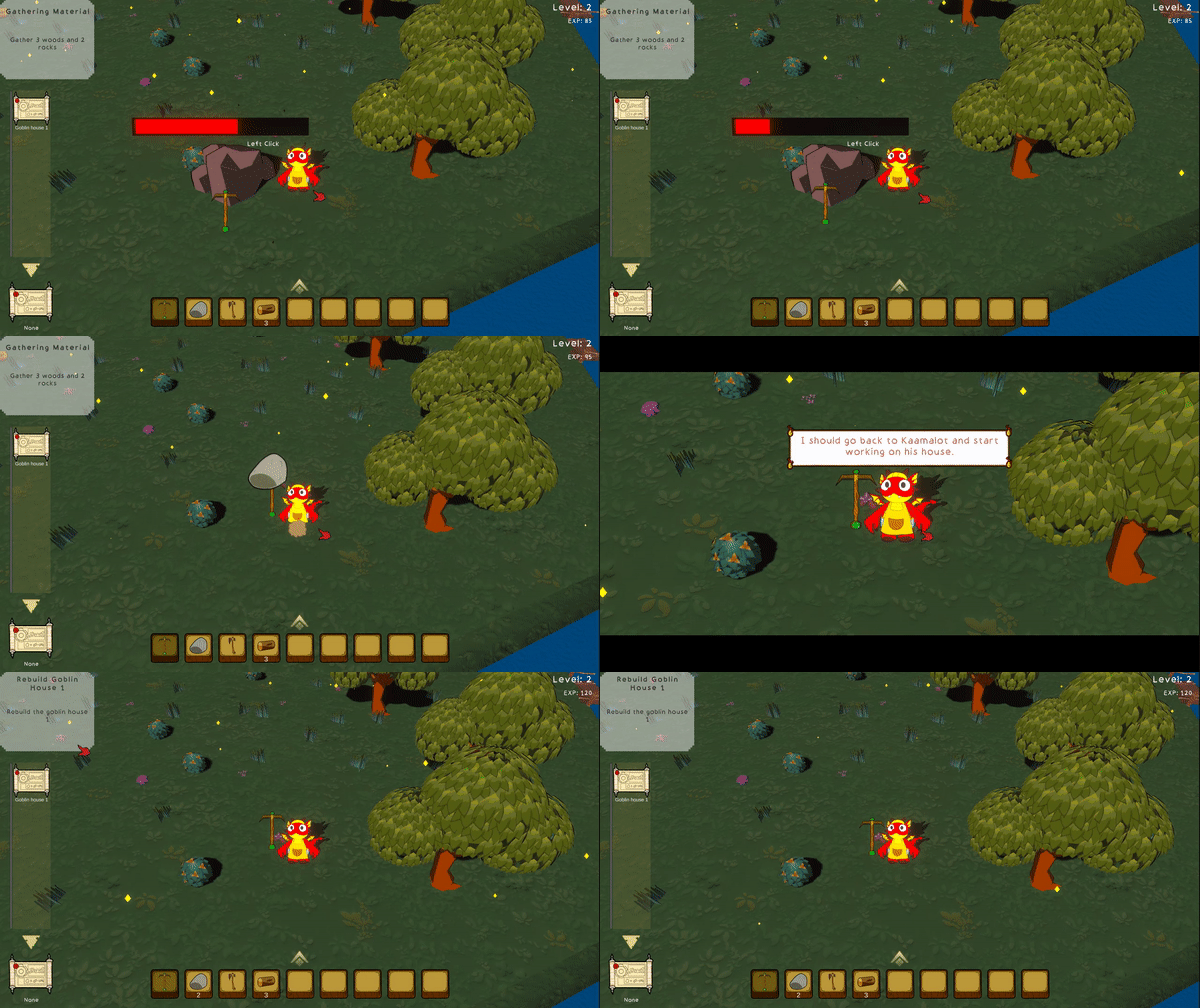
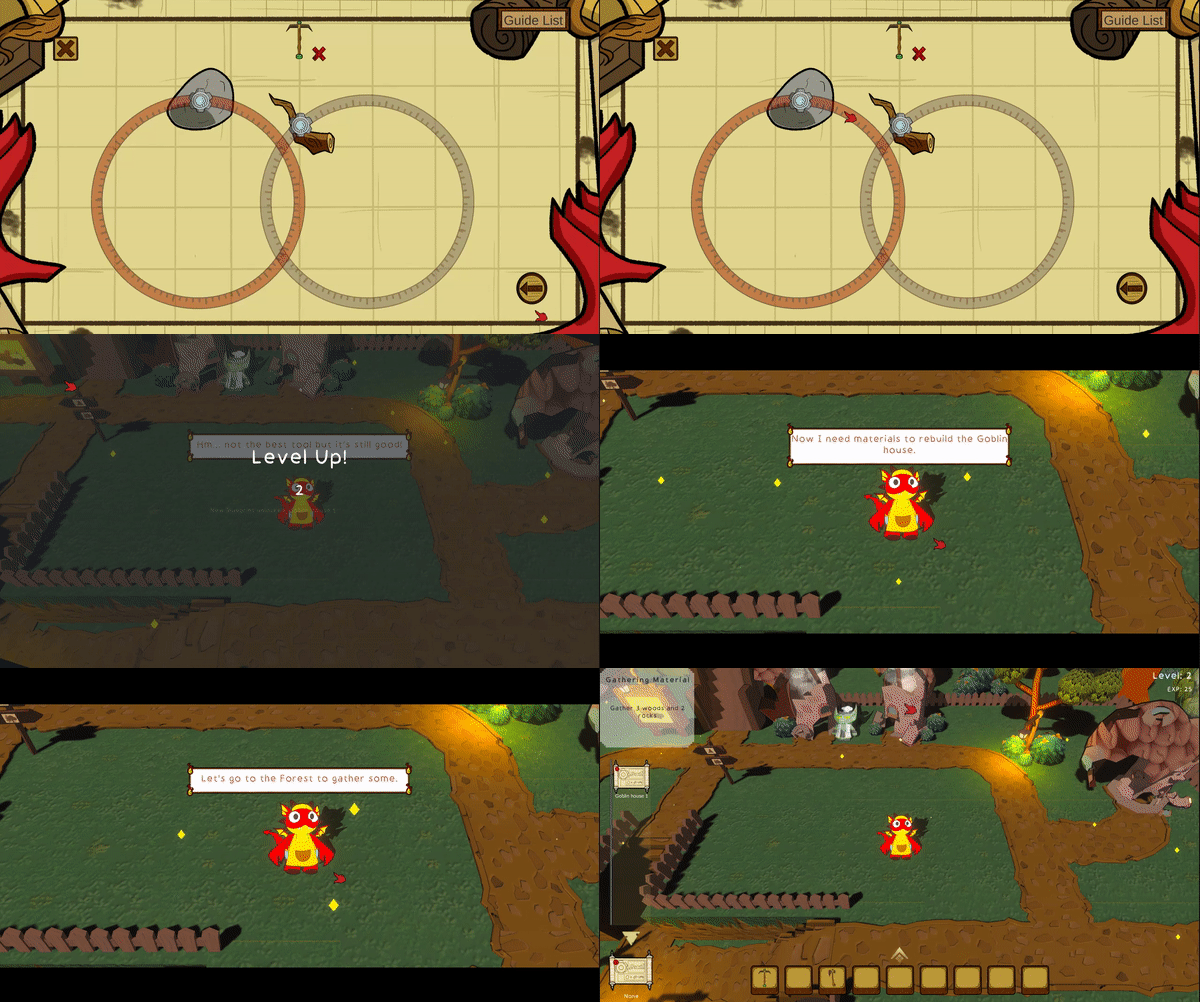
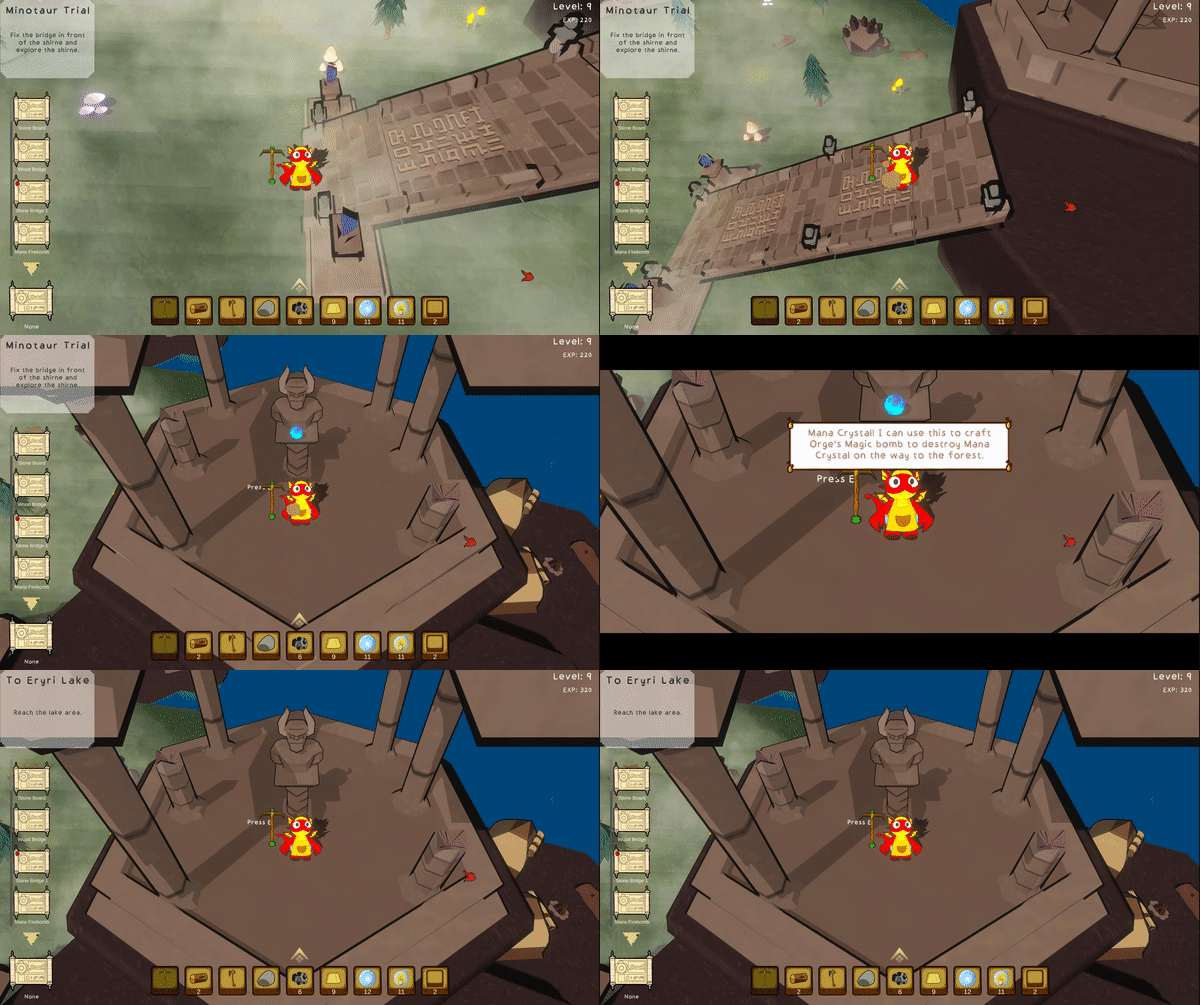
Through the event system, different systems can be linked, for example, after the completion of a mission, the player obtains the corresponding props, linking the props system and the mission system, and after triggering a certain mission, allowing the player to open the blueprint, and after completing the blueprint to complete the mission and trigger the dialog, so that the blueprint, the mission, the props, and the dialog system are all linked. And it can realize the advancement of the game flow, only after completing a specific quest and triggering an event can the next quest be carried out. It's also very easy to manage missions as a unit, and it's also very easy to add new events if they are unified by the event system, which also prevents the code from getting messed up. For example, if the player collects enough props, completes a specific blueprint, or arrives at a specific area and investigates a specific object, an event will be triggered, which will lead to the next quest, change the dialog state, get a reward, and many other events.
Other Contribution
Level up
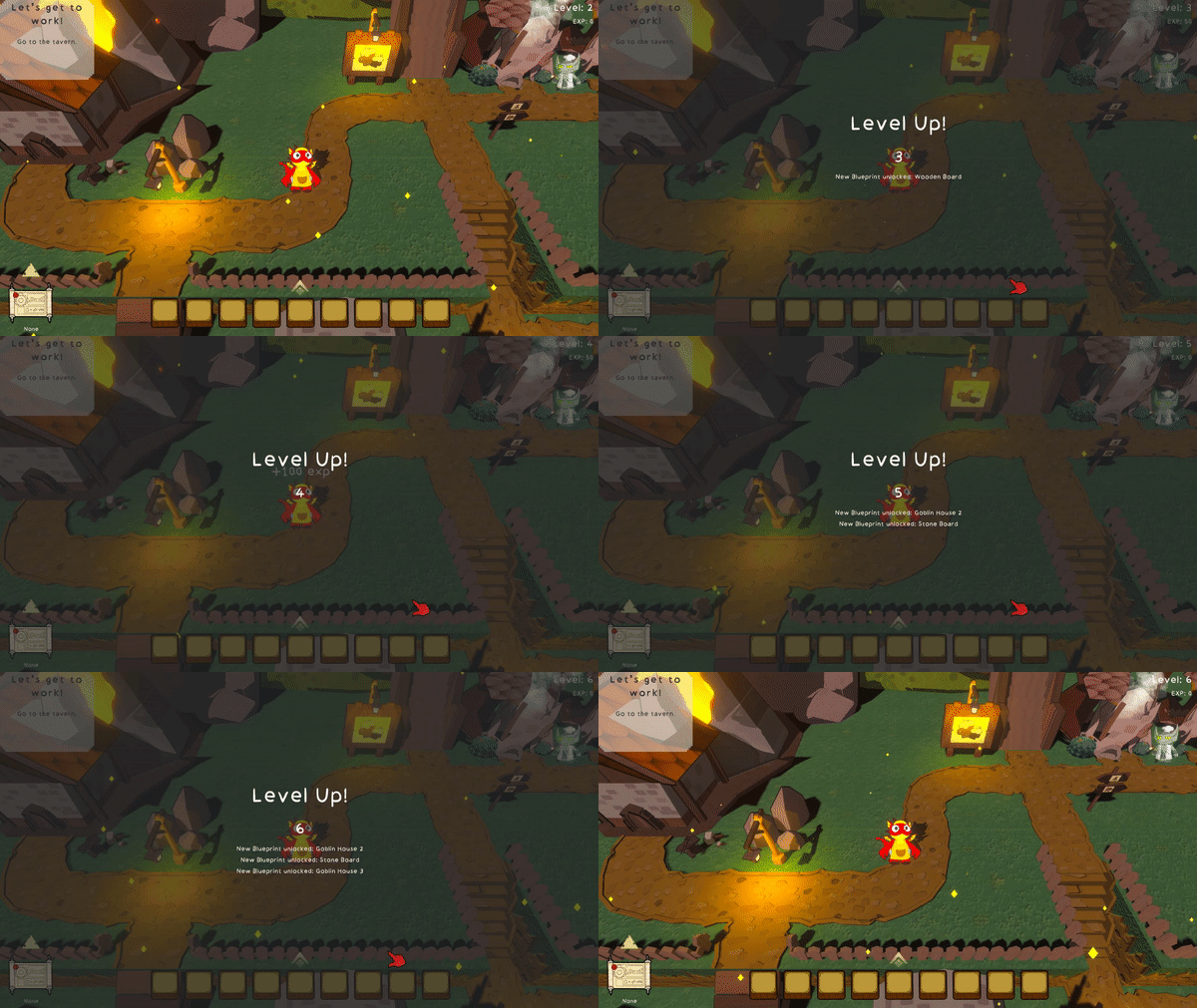
The level up function uses the event system as a framework to trigger events and provide rewards or unlock quests when player gets level up.
Player Guidence
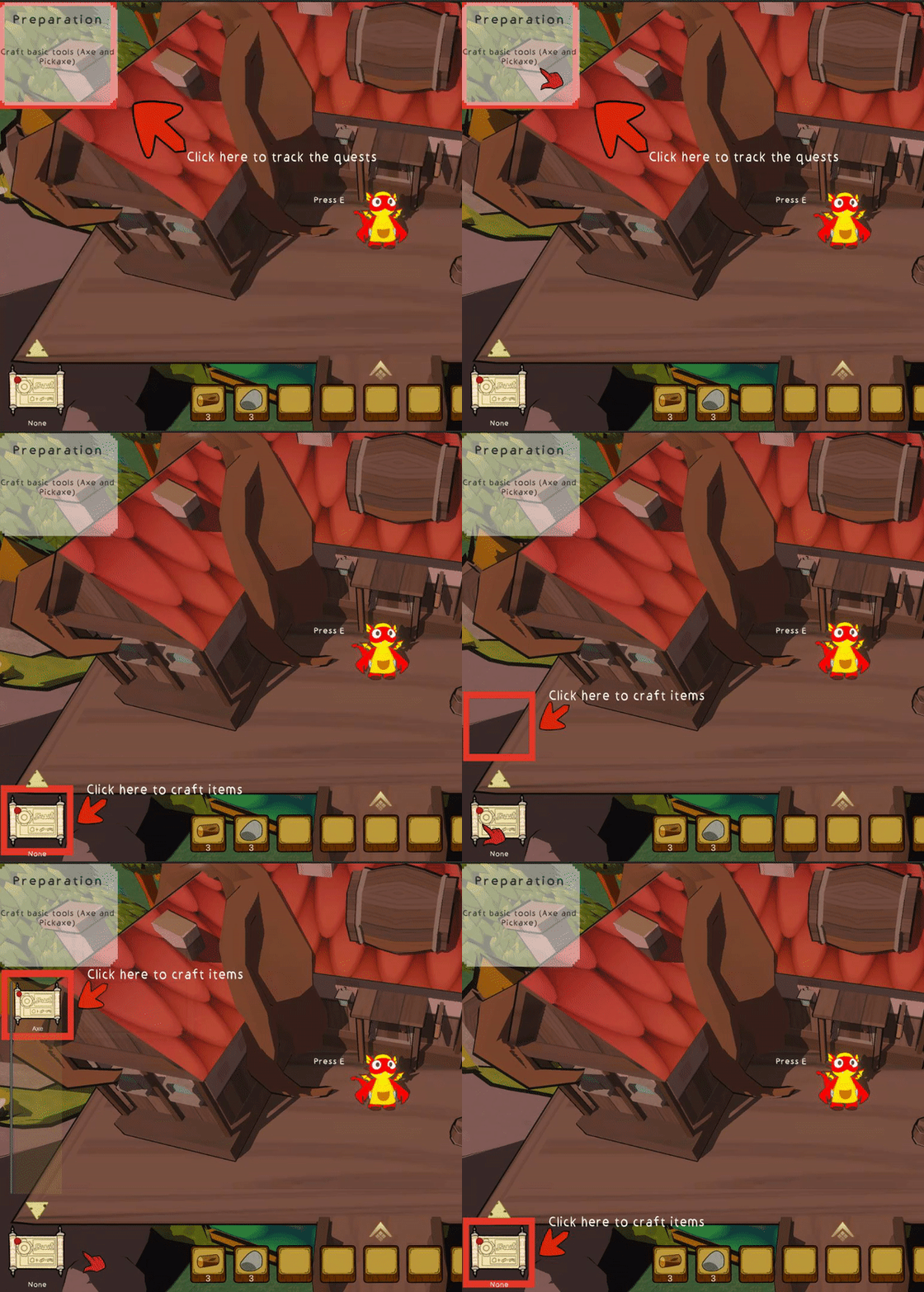
The guidance function uses the tracing box from the tavern system, which can automatically track things that need to be highlighted when the conditions are met.
UI Animations
When player jumps to the other scene or starts talking, then the UI animation will be played. The UI animations are designed by myself.